
Overview:
Beginning
in May 2023, Barracuda has implemented new procedures to access the Message
Log portal. Depending on whether the mailbox you’re trying to access the Message
Log for is your primary mailbox, a ‘secondary e-mail address’ mailbox, or a
shared mailbox, will determine your approach to accessing the portal.

Table
of Contents:
o
Shared &
Secondary Email Address Mailboxes
Related:
Where
to Look for Missing Email


Accessing
the Message Log typically starts here:
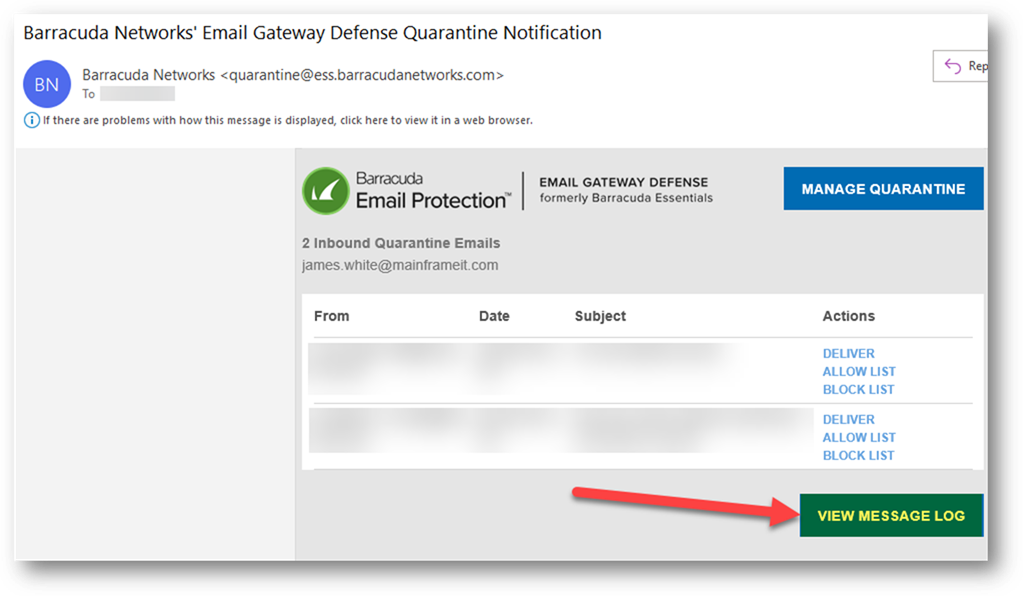
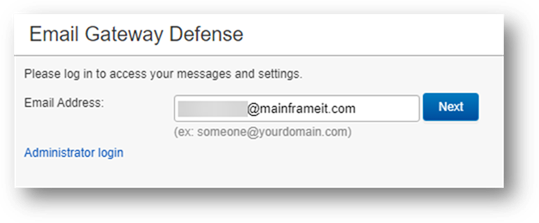
Enter
the email address for your primary mailbox:
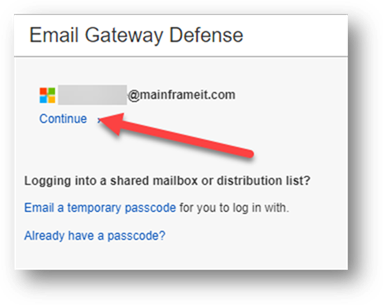
Click
Continue – The reason this will work is because we’ve tied your Microsoft 365
ID to your Barracuda account, and because you’re already signed in to the
Intranet, clicking continue is last step needed to enter the Message Log
portal.
Shared & Secondary Email Address Mailboxes:
Accessing
the Message Log typically starts here:
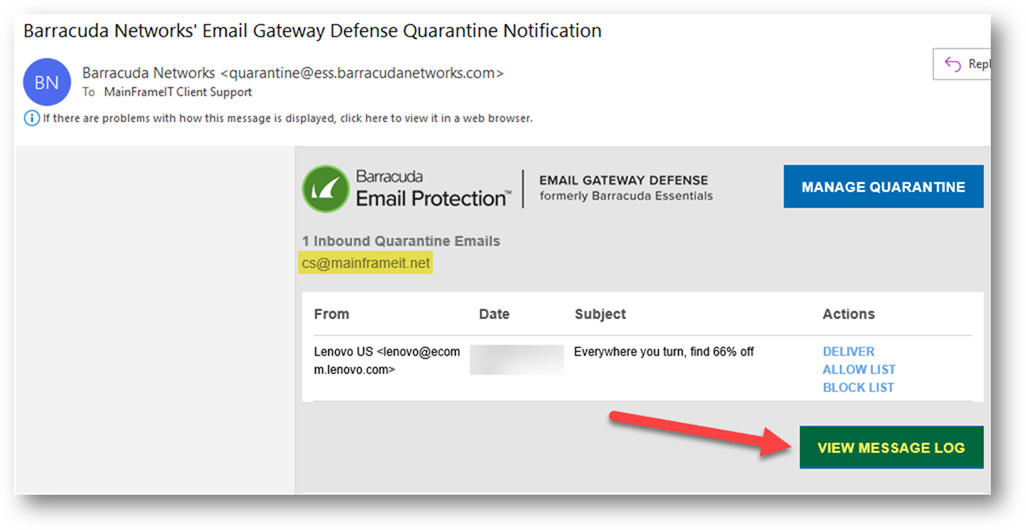
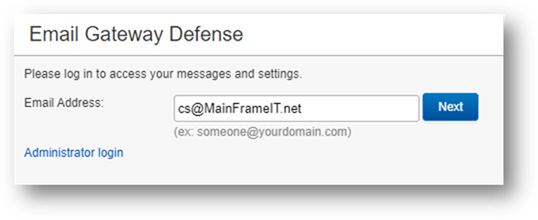
Enter
the email address of the shared or secondary mailbox:
In
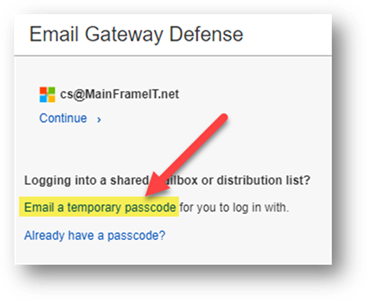
this case, because you are NOT already authenticated in your browser as the shared
mailbox, you’ll choose ‘Email a temporary passcode’.
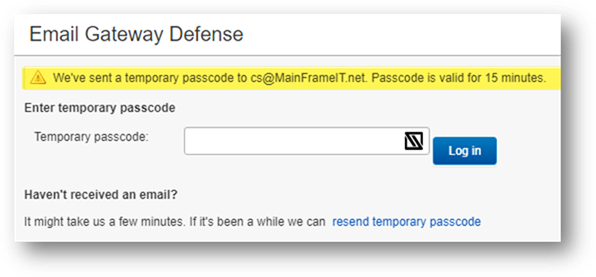
You’ll
then see this dialogue:
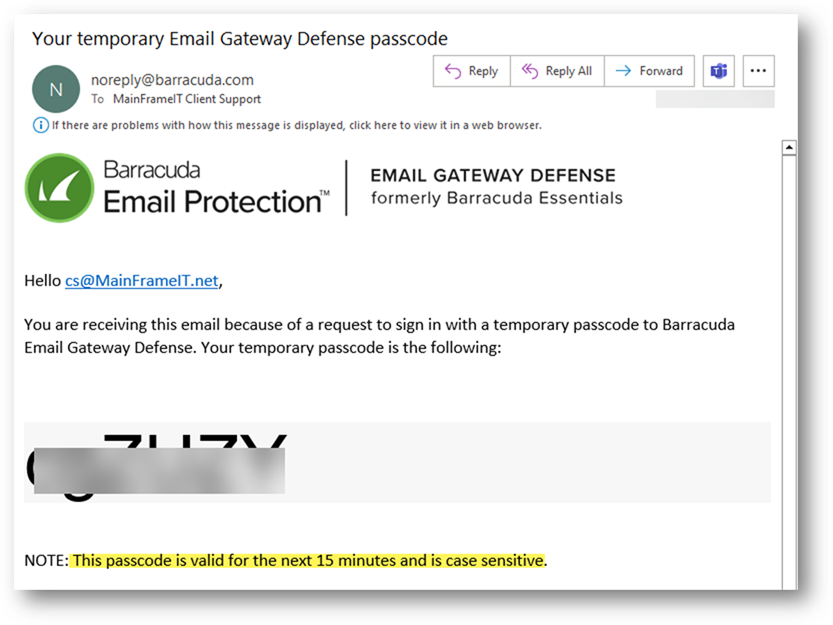
Check
the shared or secondary mailbox for the code email and copy the code:
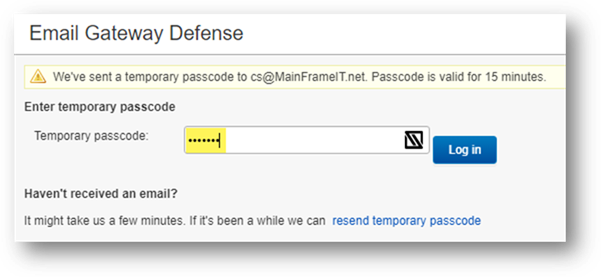
Enter
the code and click Log In:
Copyright (C) 2023 All rights
reserved, MainFrameIT, LLC