
Objective:
Setup
your Security Profile to support one or more Multi-Factor Authentication
(MFA) methods.

Microsoft
365 Security Profile Setup:
Before
logging into anything, please setup your Microsoft 365 Security Profile.
Mandatory - Microsoft
365 Security Profile Setup:
Security
profile setup including at least one MFA method is a required. Setting
up multiple methods provides the additional advantage of flipping between MFA
methods as circumstances sometimes require.
Recommended:
o
Register your mobile phone first
which will allow you to receive MFA codes via SMS (text).
o
Once you’re signed into Outlook
Mobile on your smartphone, Authenticator Lite (‘new’ and not shown
below) will be enabled on your account.
o
This will act as your
second method and will automatically be set as
your default, SMS will be your backup method.
o
So technically speaking, if all you
do in this step is to register your mobile number, that is sufficient.
To
Begin:
· PC/Laptop Users: Click
Here
· Mobile / SmartPhone / Field-Only
Staff: Click Here
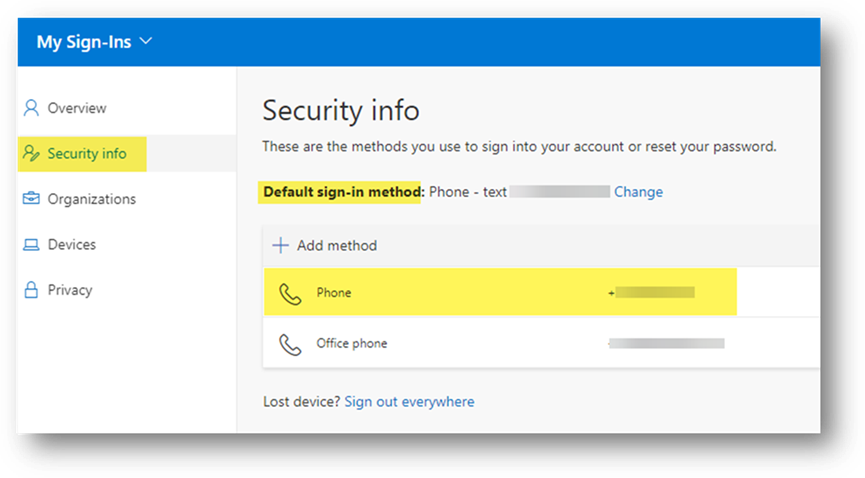
The Goal: Have at least one MFA method registered (but preferably
several), and set your Default sign-in method:
Copyright (C) 2024 All rights
reserved, MainFrameIT, LLC