
Objective:
Add
an Other (non-Microsoft)
Account/Profile to Authenticator.

________________________________________
Additional
Information:
o
Understanding
Other Accounts
o
A
Note for Multi-Device Users
Add
an Account/Profile:
Before
you begin - Adding a profile for a third-party website always begins on the
third party's site, ALWAYS. After you begin the third party's process to enable
MFA using an Authenticator App, you'll get a QR Code step as shown below. It's
at this point that these directions begin. For more information, please review Understanding
Other Accounts.
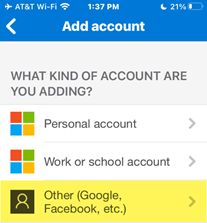
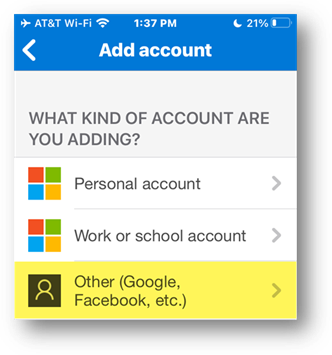
Choose
Other...
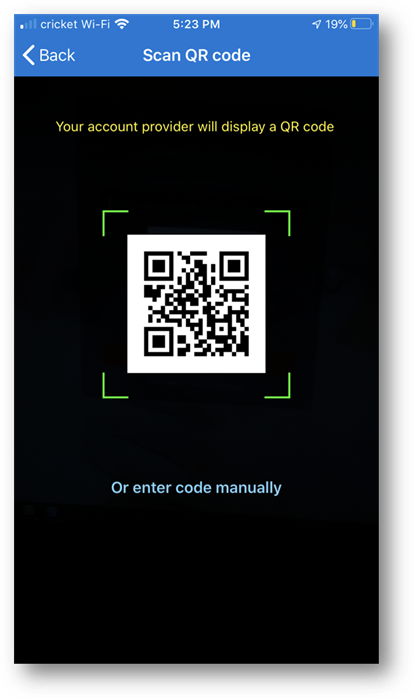
(example
code - here you'll point your SmartPhone/Tablet camera at the QR code from the
third party's website)
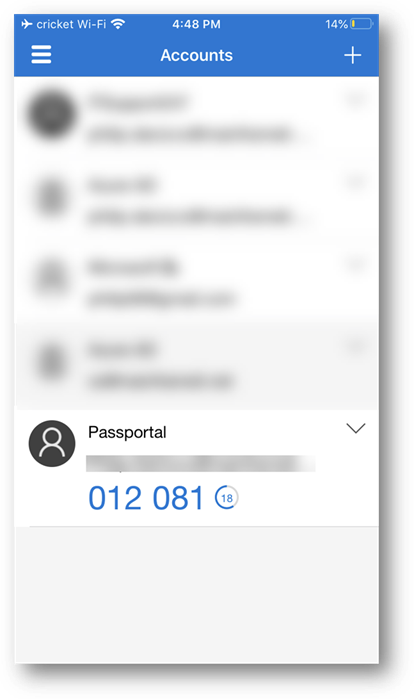
Success!
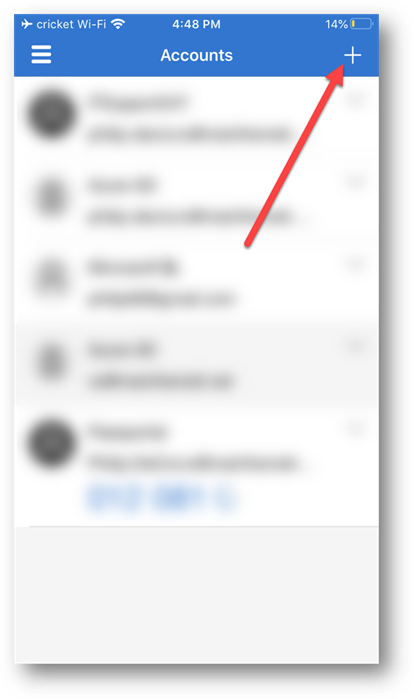
Shown here we see the new account/profile below.
Copyright (C) 2020 All rights
reserved, MainFrameIT, LLC