
Objective:
Add
your primary Microsoft 365 account to Microsoft Authenticator
Pre-Requisites:
o
Microsoft
Authenticator already installed on your SmartPhone
o
You'll need to know your Microsoft
365 username & password
o
You've already performed Step
1 - MFA / Security Profile Setup

Add
the Microsoft Authenticator App to Your
Security Profile:
Login
here: https://aka.ms/mfaSetup
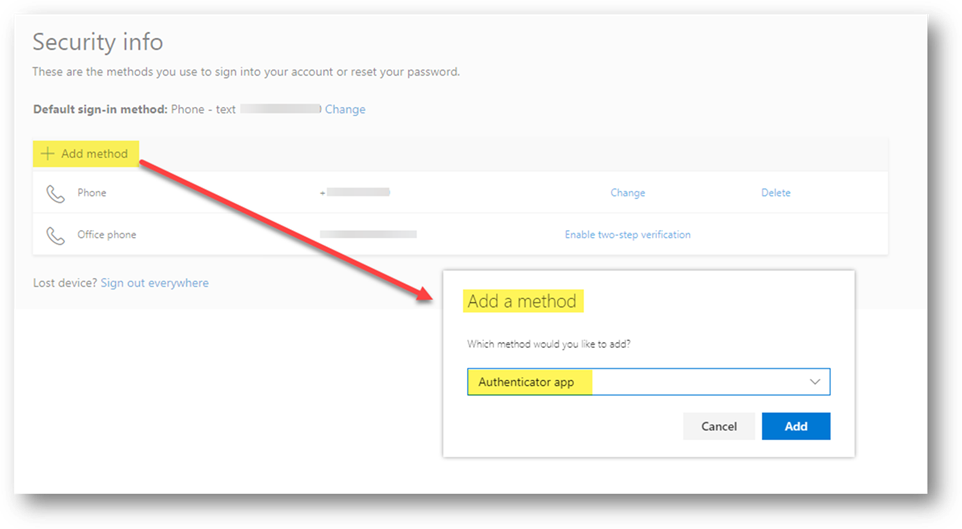
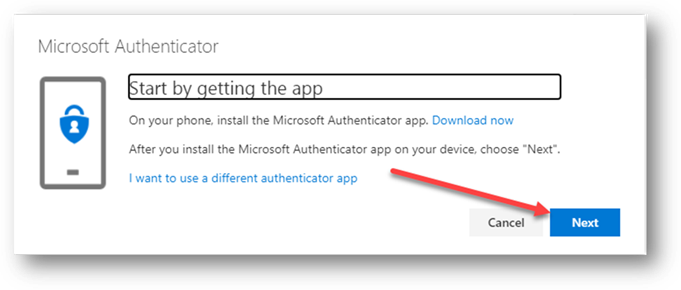
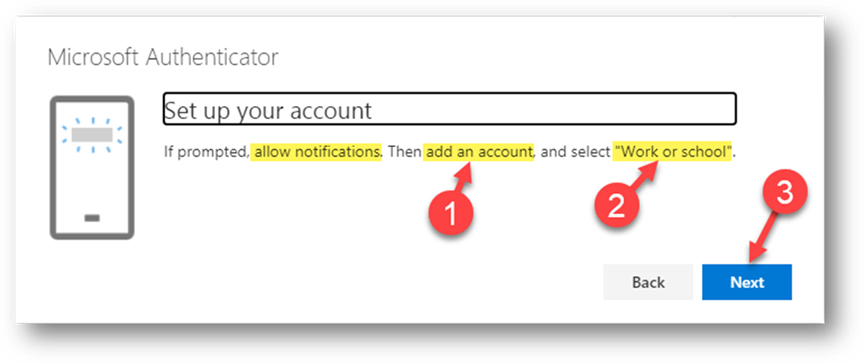
In
Authenticator on your SmartPhone:
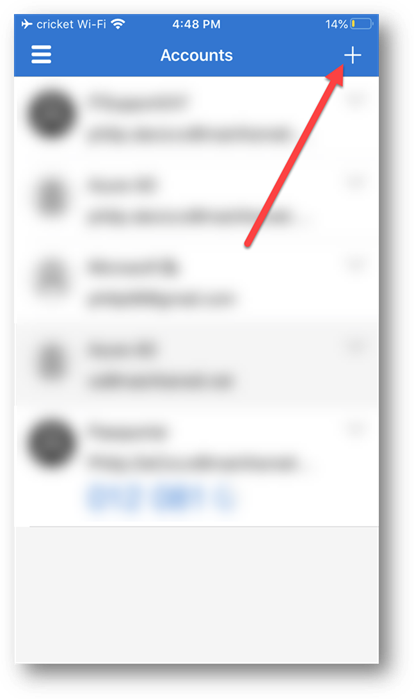
Choose
Work or School Account...
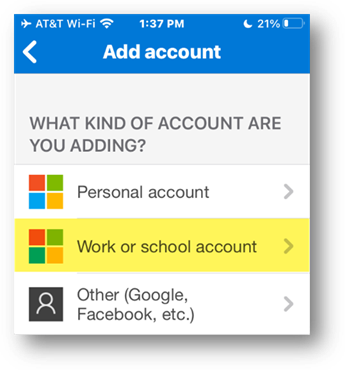
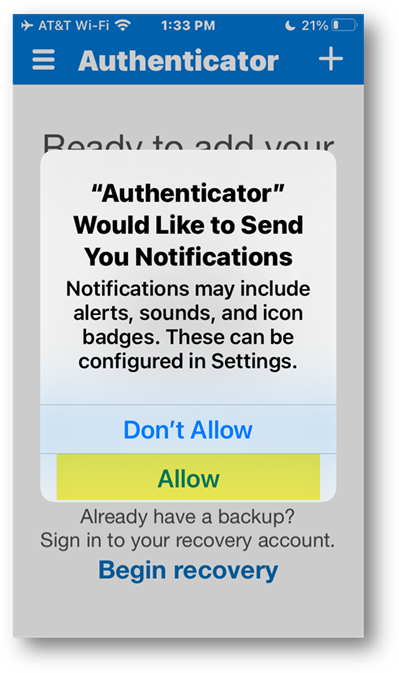
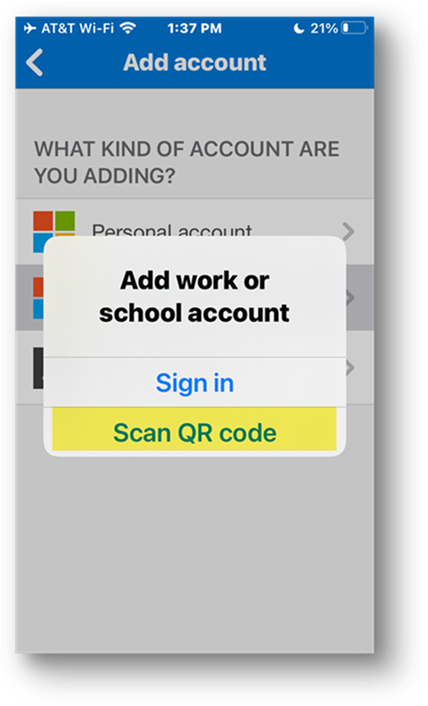
When
'Scan QR code' activates the camera on your smartphone, point it at the QR code
back in your Security Profile:
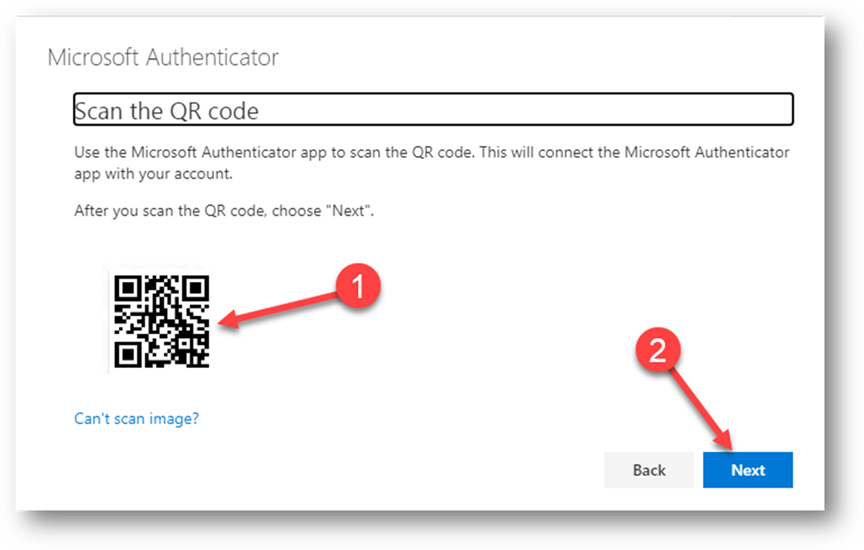
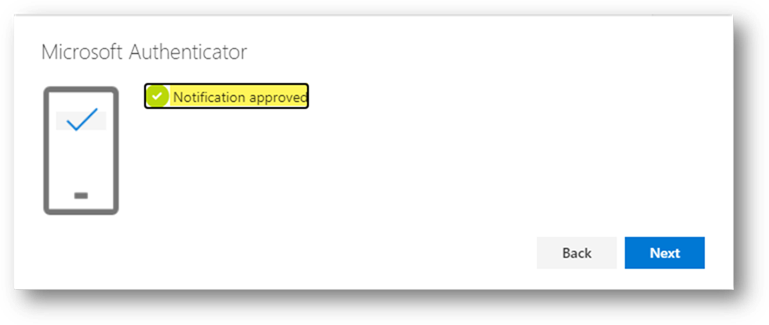
You'll
next be prompted to 'Approve' this action in Authenticator on your SmartPhone.
Done
- Note that Authenticator now appears as a configured method.
Next,
set Microsoft Authenticator as the
Default Sign-in Method - Click
Here
Copyright (C) 2021 All rights
reserved, MainFrameIT, LLC